Your confidential AI. Already on it.
Your secrets stay on your machine. One chat room — Ghampus orchestrates, Agempi wear Digital Hats, Topics stay alive.
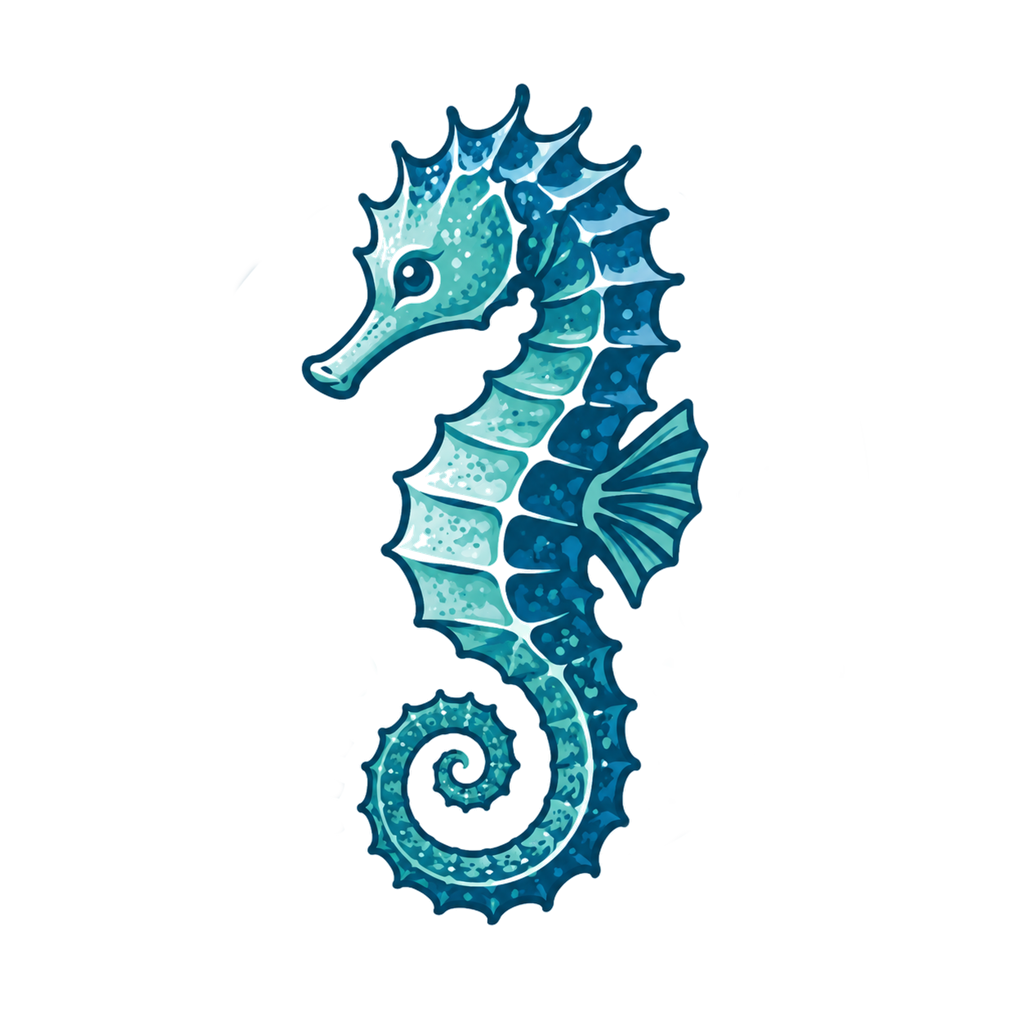
Ghampus Hush is the in-app face of Graphnosis — the seahorse who does for your second brain what your hippocampus does for your first. @ any specialist, pull one into 1:1 Focus, Remember and Quote without leaving the window. On-device memory, consent-gated recall, proactive skill walks. Same cortex and MCP tools as Claude Desktop, Cursor, and Copilot — but everything runs locally unless you choose otherwise. Free, Pro, Teams, Enterprise — all have access. Higher tiers add more discipline.
Digital Hats in one room
Agempi wear hats and join when you @ them — or ask @everyone. Untagged questions stay with Ghampus. 1:1 Focus gives you a DM-like lane with one specialist while Ghampus still watches for memory saves. "While you were away" and skill walks keep the room proactive.
Pick the right model per step
Skills declare what each step needs — reasoning, structured-output, cited, code, vision. The router picks the cheapest available model that meets the constraints. Cost preview before every paid call.
Link files without ingesting
Attach PDFs, images, spreadsheets, OneNote URIs, anything — the file stays where it is. Recall surfaces them as "Linked files" cards; one click opens the original in its native app. SHA-256 hashes survive file moves.
Digital Hats — Agempi who specialize
A Digital Hat is an Agempus built around a talent or activity — brand writing, GTM briefs, research notes, ops checklists, and more. You train the skills once; then @ them in the one Ghampus room, or pull one into 1:1 Focus when you want DM-like depth. Ghampus still orchestrates.
- 6 skills
Brand writing
- 5 skills
GTM briefs
- 4 skills
Policy drafts
- 8 skills
Code docs
- 7 skills
Research notes
- 5 skills
Ops checklists
- 3 skills
Stage cues
Tag them in the room · Focus for one-on-one depth · Ghampus orchestrates the rest.
Sample talent hats for illustration — yours are the skill groups you train in Agents.
Topics you follow — not chat noise you drown in
Graphnosis grows work as Topics — living lanes from conversation plus cortex memory. Chat Sessions are recoverable history when you clear a thread. Day to day, you follow topics.
In-chat, same window
- Remember / Save to cortex — confirm excerpt, engram, and privacy tier before anything writes.
- Reply · Quote · Comment — seed the next turn without leaving Ghampus.
- 1:1 Focus — sticky specialist lane; dismiss to reopen the room.
Linked files · Savings · Shares
- Linked files — attach paths without ingesting the whole file.
- Savings — what recall saved versus dumping context into a paid model.
- Shares — collaborate on engrams you choose to open.
Free includes the full privacy model. Pro adds capability, not access.
We didn't paywall Ghampus Hush. Every plan can use it; what you pay for unlocks more capability inside it.
Free
- ✓ Full Ghampus Hush surface
- ✓ Same MCP tools as Free external clients
- ✓ Local model routing (Ollama)
- ✓ File attachments
- ✓ Savings tracker
- ✓ 1 active share to a collaborator
Pro adds
- ✓ Foresight (`develop` / `predict` / `insights` / `llm_query`)
- ✓ Auto-training skills from conversations
- ✓ GNN-predicted relationships
- ✓ Structured visual extraction
- ✓ Unlimited shares
Built for the work you can't send to a cloud.
Privacy ladder, sensitive stays local
Engrams climb public → deidentified (non-PII) → sensitive. Steps that touch a sensitive engram are hard-locked to local-only routing. No remote provider sees a token of them. Enforced in the planner, audited on every call — the gate is architectural.
IT admin policy
Disable providers organization-wide for compliance. Pin negotiated rates per-provider or per-model — individual users can't edit admin-enforced entries. Bedrock-only postures, Azure-credit pools, "no public APIs for HR data" — all expressible as policy.
Available now in v1.38.0.
Open the app, look at the top of the left rail. Ghampus Hush is the default landing tab for new users. Existing users keep landing on whichever view they were on — switch the default in Settings → Preferences whenever.
Download Graphnosis v1.38.0 →